Coral Casino App and Mobile Experience
 Available in GB
Updated: 11 September 2026. Coral currently has native casino apps for both iOS and Android, and Coral’s own casino pages also support browser-based mobile play. You do not need a separate mobile account: Coral states that the same username and password can be used when switching between desktop and mobile. That gives UK users three practical routes – the iPhone or iPad app, the Android app, or the mobile website in a browser.
The best route depends mainly on whether you want to install an app. Native apps update through their respective stores and can provide a direct app-launch experience, while browser play avoids an installation and uses the current mobile site. Game access includes slots and live casino on mobile, but live dealer streaming places more demand on connection stability than a static account page or ordinary lobby browsing.
For the wider product picture, see the Coral Casino overview.
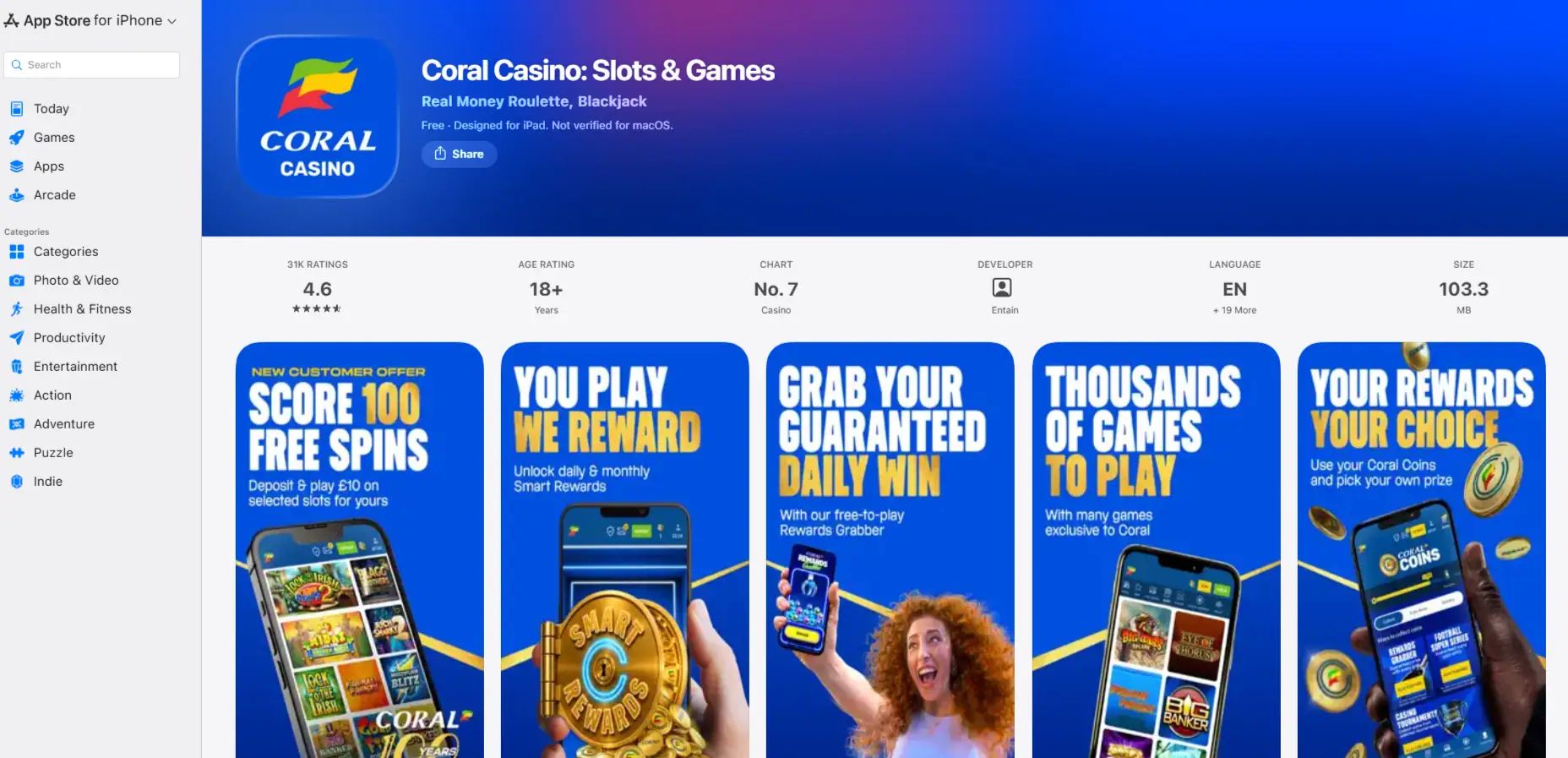
Table of Contents
- Three ways to use Coral Casino on mobile
- Current iOS app status
- Current Android app status
- Mobile browser: no app required
- One Coral account across desktop and mobile
- What you can access on mobile
- Live casino needs a steadier connection
- App store metadata: useful today, volatile tomorrow
- App versus browser: how to choose
- Payments and account tasks on mobile
- Safer-gambling tools remain part of the account
- Coral app FAQs
Three ways to use Coral Casino on mobile
Coral’s current pages and app listings support three mobile access routes. The iOS app is listed in the UK Apple App Store, the Android app is listed on Google Play, and Coral’s own game pages state that mobile games can also be played through a browser. This gives you a genuine device choice rather than forcing one installation path.
| Route | Install required | How updates arrive | Current compatibility signal | Best fit |
|---|---|---|---|---|
| iOS app | Yes | Apple App Store | Current UK listing requires iOS 18.0 or later | Users who want a native iPhone or iPad app and meet the current OS requirement |
| Android app | Yes | Google Play | Current UK Google Play listing is active; check the store on your device for its live compatibility result | Android users who prefer an installed app |
| Mobile browser | No | Site changes load through the browser | Coral states that slots and live games can be accessed through mobile browser play | Users who do not want another app installed |
This comparison deliberately avoids using star ratings or chart positions as a quality score. Those figures change frequently and can vary by store and region. Device support and the actual access route are more useful decision points.
Current iOS app status
The UK Apple App Store currently lists Coral Casino: Slots & Games with Entain as developer and Entain Operations Limited as provider. The listing is rated 18+ and, as of 11 September 2026, requires iOS 18.0 or later for iPhone and iPadOS 18.0 or later for iPad. The version history shows active updates during 2026.
Those operating-system requirements can change. If you are reading this later, check the App Store page on your own device to see whether the current build can be installed.
The store listing describes slots, roulette, blackjack and live casino, which aligns with Coral’s broader game library. Store ratings, rankings and file sizes are volatile and do not establish whether the app is suitable for you.
Current Android app status
Google Play currently lists Coral Casino: Slots & Games under LC International Limited. The UK listing was updated on 19 August 2026 and is rated for adults. Its description includes slots, roulette, blackjack and live casino, along with safer-gambling information.
The current Google Play listing does not show a stable minimum Android version in the publicly available information. Rather than guessing a device floor, open the official listing on the Android phone or tablet you intend to use. Google Play will then show whether the current build is compatible with that device.
Do not side-load an APK from an unofficial source to bypass store compatibility or regional controls. Use the official app stores or Coral’s own mobile website rather than an unofficial APK source.
Mobile browser: no app required
Coral’s current slots page explicitly says mobile slots are available through iOS and Android apps or browser play. Its live-table material likewise says live games can be accessed on mobile or tablet through either the app or a browser. Browser play is therefore an official Coral mobile route, not merely a fallback when an app cannot be installed.
The main advantage is simplicity: there is no application installation to manage. You open Coral in a supported mobile browser, sign in and use the responsive site. The trade-off is that you access Coral through the browser’s own tabs, storage and update behaviour instead of launching a dedicated app icon.
If you move between desktop and browser play, the account itself does not change. Coral states that one account can be used across desktop and mobile with the same username and password.
One Coral account across desktop and mobile
Coral’s current casino FAQ answers the login question directly: your account is unique, so you do not create a second account for mobile use. You can switch between desktop and mobile using the same credentials. That continuity matters more than a separate “mobile login” tutorial because registration, verification and account status belong to the same account.
If you have not registered yet, use the Coral registration guide. Once the account exists, the device choice is mainly about which interface you prefer.
The same-account principle also means that verification or safer-gambling controls should be understood at account level rather than as separate app-only settings. You are changing the access device, not opening a parallel gambling account.
What you can access on mobile
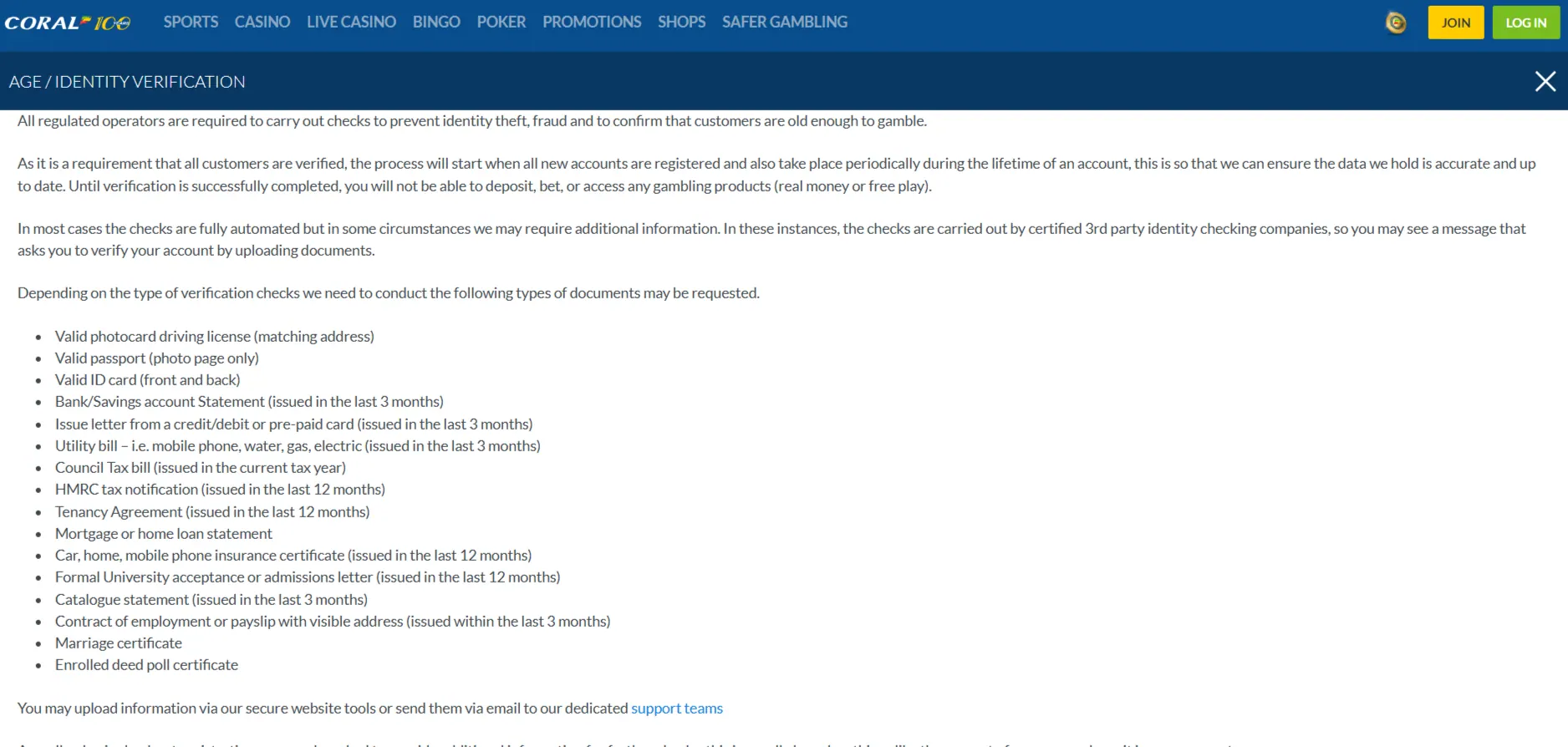
Coral’s current official pages and app listings support mobile access to its core casino categories. The main casino page lists slots, Slingo, Megaways and live casino formats including roulette, blackjack and poker. The App Store and Google Play listings also describe slots, roulette, blackjack and live casino in the native apps.
For ordinary game discovery, mobile is not limited to a small demonstration catalogue. Individual desktop titles may not always appear on every phone because game-provider compatibility, temporary lobby changes and device capabilities can affect what is visible at a given moment.
If your priority is the catalogue rather than device choice, use the dedicated Coral casino games page. It separates general casino counts from the much larger dedicated slots count instead of using one misleading total.
Live casino needs a steadier connection
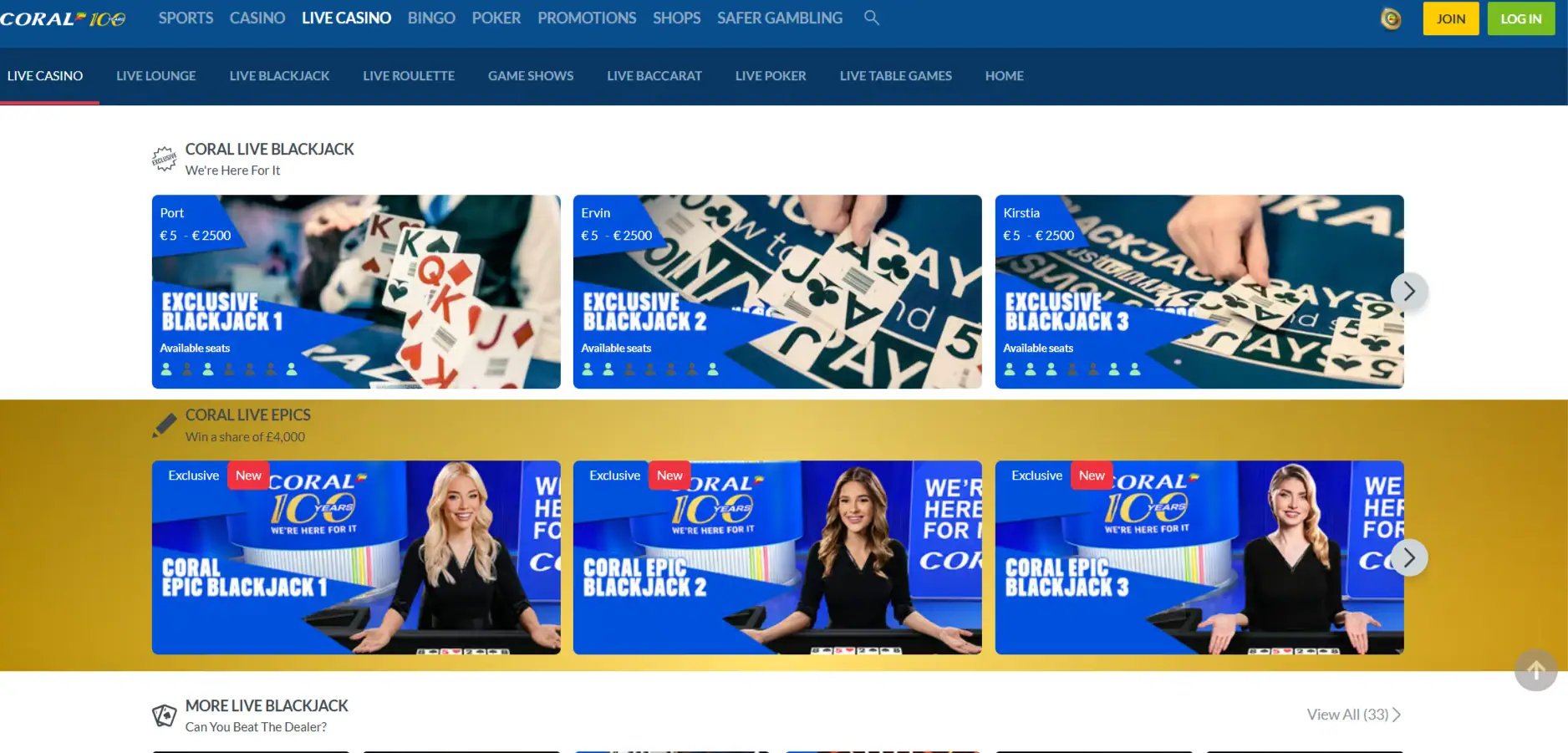
Coral’s current live-table pages support mobile browser and app access. Live dealer play is different from simply opening an account page because a real-time video stream and timed betting controls are operating together. A connection that is good enough for browsing may still feel unstable during a live round.
Coral’s live material says each table works on phone or tablet through browser or app and emphasises connection stability. If the stream stalls, the round can continue at the table even when your local video is interrupted. That makes a stable connection and a readable screen more important than they are for a slower, non-streaming part of the site.
For providers, table formats and the reason live inventory is dynamic, see the Coral live casino guide.
App store metadata: useful today, volatile tomorrow
Store pages expose details such as version number, update date, size, ratings, reviews and chart position. Some of those values can change quickly. Current store information is most useful for device compatibility and installation decisions; temporary ratings and rankings should not be treated as lasting product qualities.
On 11 September 2026, the Apple listing showed a current 2026 version history and an iOS 18.0 minimum. Google Play showed an update date of 19 August 2026. Those facts establish that active official listings exist, but they do not prove that one app is faster, more secure or better than browser play.
If you are reading this later, check the store before relying on version numbers, file sizes, rankings or OS requirements because those details can change.
App versus browser: how to choose
Choose the iOS app if:
Your device meets the current Apple compatibility requirement and you prefer launching Coral as an installed application.
Choose the Android app if:
Google Play marks your device as compatible and you prefer store-managed installation and updates.
Choose the browser if:
You do not want to install an app, you are using a compatible mobile browser, or you want a direct web route for slots or live casino.
None of those routes is automatically “best”. The useful comparison is installation preference, device compatibility and connection quality. Performance also depends on the device, connection and current software, so no route should be treated as universally faster.
Payments and account tasks on mobile
Mobile access uses the same Coral account, but payment availability should still be confirmed in the current cashier rather than inferred from the device. Coral’s public casino pages list payment options, but the exact methods shown to an individual account can be a live product question.
For current payment categories and the difference between deposit support and withdrawal support, use the Coral payment methods guide. Withdrawal timings, limits and fees should still be checked in the current cashier; opening it on a phone does not by itself change how a method works.
Safer-gambling tools remain part of the account
Coral’s current casino and app-store material references safer-gambling tools. Mobile convenience should not be read as a reason to remove the same budget and account controls you would use on desktop. Because the same account continues across devices, account-level controls are more meaningful than treating app sessions as separate activity.
If you find that quick app access makes play harder to manage, using the browser instead does not by itself change the underlying account. The practical response is to use the available account controls and, where appropriate, reduce or stop access rather than relying on the choice of interface.
Coral app FAQs
Does Coral have an iPhone app?
Yes. Coral Casino: Slots & Games is currently listed in the UK Apple App Store. On the 11 September 2026 check, the listing required iOS 18.0 or later.
Does Coral have an Android app?
Yes. Coral Casino: Slots & Games is currently listed on Google Play under LC International Limited. Check the live store page on your Android device for current compatibility.
Can I use Coral Casino without installing an app?
Yes. Coral’s official game pages state that mobile slots and live casino can be accessed through a mobile browser as well as the native apps.
Do I need a different Coral account on mobile?
No. Coral states that the same account and login work across desktop and mobile.
Is the Coral app faster than the mobile website?
There is no universal speed claim. Performance depends on the device, network and current app or browser version.
Can I play live casino on a phone?
Yes. Coral’s current live-table material supports app and browser access on mobile and tablet. A stable connection matters because the live round continues in real time.
Published by the Coral Casino team.